
Your playlist. Straight on your LG TV.
Bear IPTV is the IPTV player that plays your own M3U or Xtream playlist on LG webOS — fast, clean and hassle-free. Try it free for 14 days, then choose monthly, yearly or a one-time lifetime plan.
How it works
Install the app
Get Bear IPTV from the LG Content Store and open it. Your TV code is shown on the home screen.
Log in with your e-mail
Go to bear-iptv.com/account, enter your e-mail and TV code and confirm with the code from your inbox.
Link your playlist
Add your M3U link or Xtream details. The TV picks them up automatically — edit any time, no re-upload needed.
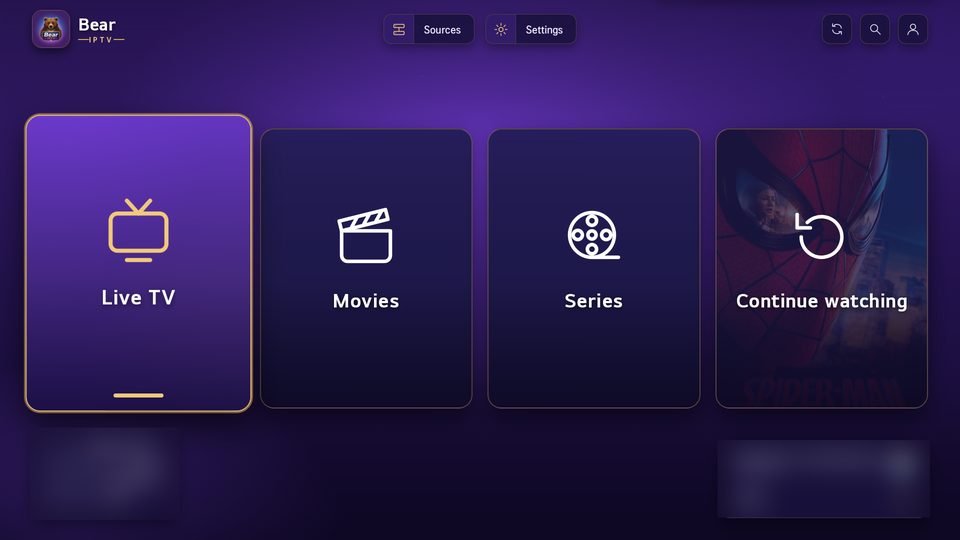
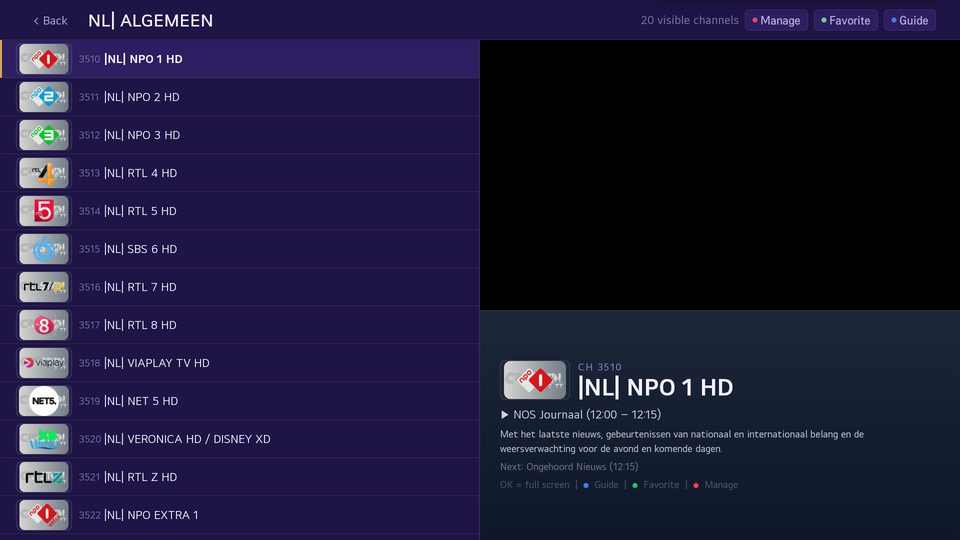
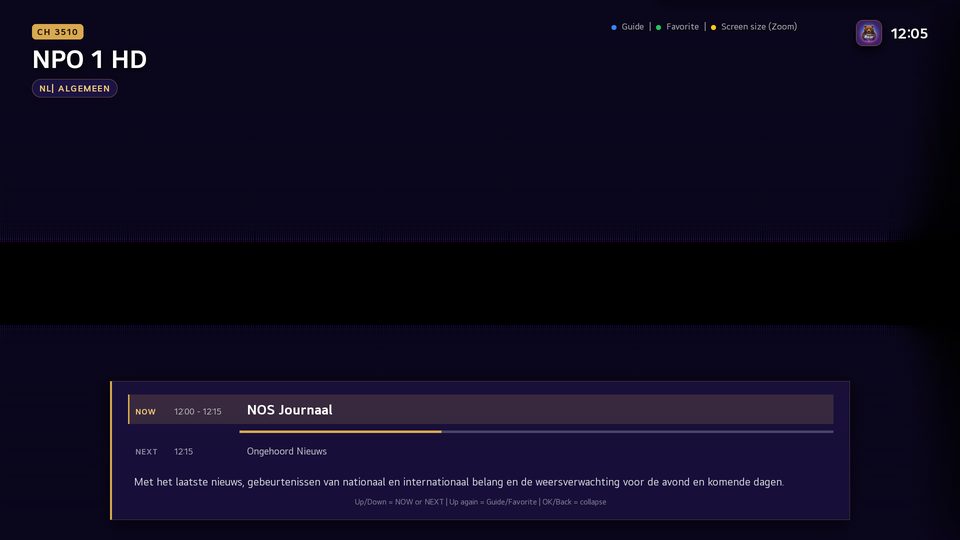
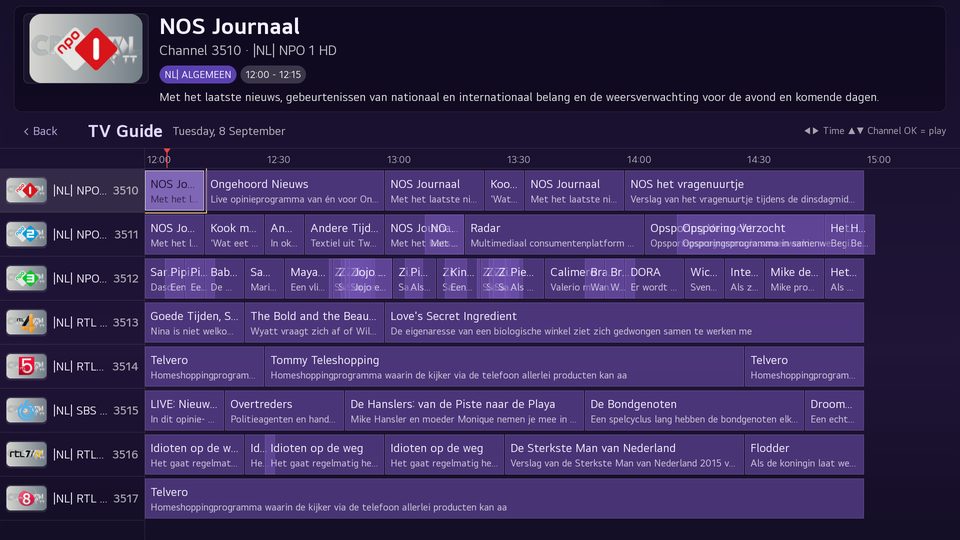
Live TV & EPG
Fast channel zapping with programme guide, groups and favourites.
Movies & series
Netflix-style library with trailers, continue watching and search.
Subtitles
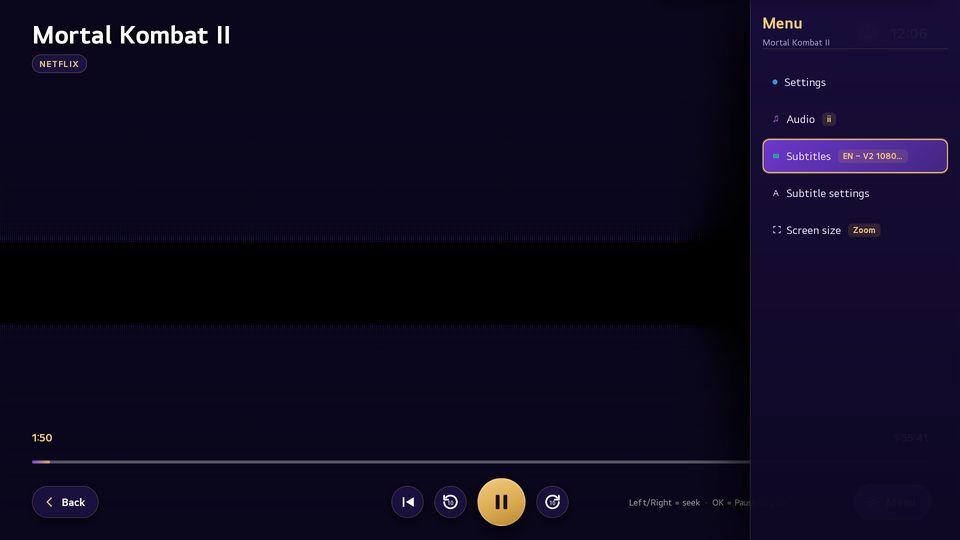
Embedded and external subtitles, even where the LG player normally shows none.
Manage online
Playlists and subscription are managed on the website — the TV follows automatically.
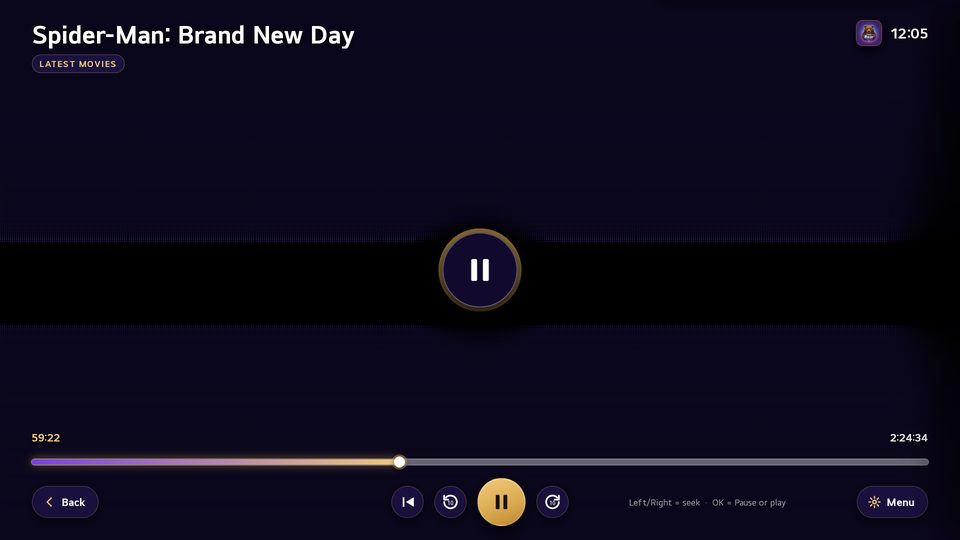
Screenshots
Pricing
No payment details required. The trial starts the first time you open the app.
Monthly
Cancel any month
Yearly
Save over 35%
Lifetime
One-time, for as long as Bear IPTV exists
All prices are per TV. Payments are handled securely by Stripe; we never store card details.
Frequently asked questions
Do I need my own playlist?
Yes. Bear IPTV is a player: you use the M3U link or Xtream details from your own provider.
What happens after the trial?
The app shows your TV code and asks you to activate on this site. Playlists and settings are kept.
Does the app work if the website is down?
Yes. Everything is stored on the TV as well; the site is only needed for changes and activation.
New TV or reinstalled?
The TV is recognised by its serial number, so your trial or subscription simply continues.